










































 Aceofcrypto
BitScreener.com Site Review
Bit Screener
BitScreener is The Tracker That Yells When Stuff Moves
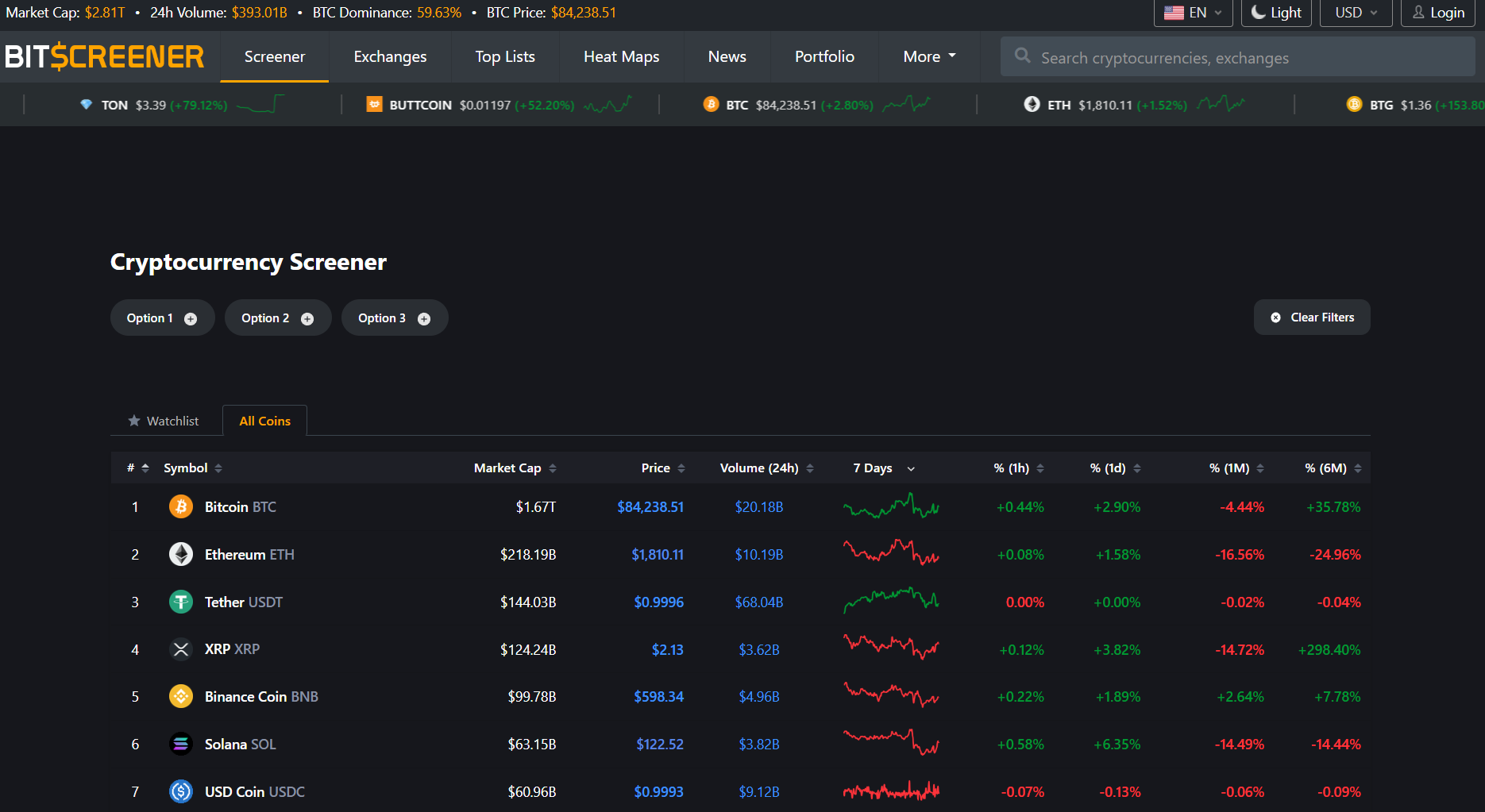
AceOfCrypto here. I used BitScreener so you don’t have to learn this one trick pony, and maybe even worth your time. BitScreener gives you a clean scanner, real-time alerts, market tables, widgets and a mobile-first portfolio. It pushes price pushes and news whispers to your phone fast enough to beat most Twitter FUD. Use it to find moves and set alerts. Don’t use it to justify stubborn bag-holding without cross-checks. I’ll walk you through what it actually does, what breaks, and how to use it like a pro. All you do is follow Ace’s words, and learn to think for yourself.
What is BitScreener?
BitScreener launched around 2017 as a crypto screener and alert app. It claims live coverage of thousands of coins and dozens of exchanges, with mobile apps that stream price ticks, portfolio sync, and price alerts. The product is built around fast scanning, watchlists, and push notifications so traders get the signal before their feed clogs. If you want instant awareness of who’s pumping or bleeding, this is the app that screams first and asks questions later. You might like it, Ace’s got this on his stack.
What the Crypto Community Says About BitScreener?
Users praise the alert engine and the screener tools. App store reviews call it a top alert tracker and highlight the portfolio and screener functionality. Critics want more advanced indicators and complain about occasional glitches when adding coins or during heavy traffic. Overall the chorus is: fast alerts, good coverage, some rough edges in UI and microcap handling. The usual chatter about most trackers.
BitScreener’s Usability & UX
BitScreener is mobile-first. The app UI is built for speed with watchlists, screener filters, alerts, snapshots and a simple portfolio page. Screener filters include price, market cap, volume, RSI and SMA presets so you can slice the market fast. Desktop web is usable, but the phone is where it sings. If ADHD or short on time, the simple layout and alert-first design get you in and out.
Data Accuracy & Security
BitScreener aggregates exchange data and streams many tickers in near real-time. That works well for top coins and midcaps. For tiny microcaps you can sometimes see stale or patchy feeds, not unique to BitScreener, that is crypto plumbing. The app shows exchange sources and markets, which helps you spot where a price came from before you act. Treat it as a fast alert source, then verify on-exchange or with a second tracker before sizing up.
Extra Features on BitScreener
Screener
Custom filters for market cap, volume, RSI, SMA, gainers/losers. Great to surface early movers.
Alerts & Push Notifications
Price thresholds, percent moves, and news alerts pushed to mobile. Users consistently praise the alert speed.
Portfolio Tracker
Manual and sync options to monitor P&L and allocations. Handy for daily checks, not a tax tool.
Widgets & Embeds
Live widgets for websites and dashboards. Useful if you publish or run a content site.
News & Discussion Feed
Aggregated news and discussion snippets tied to coins. Helps you see narrative moves but verify sources.
API & Developer Tools
Docs indicate data endpoints for price and markets; useful for DIY dashboards. Test rate limits before automating.
Pros of Using BitScreener As Your Tracker
- Alerts fire fast and reliably on mobile.
- Screener covers many filters including RSI and SMAs for quick technical slices.
- Decent coin coverage and exchange mapping for most mainstream and many midcap tokens.
- Clean mobile UX focused on action, not fluff.
Cons of Using BitScreener’s Tracker
- Microcap and low-volume tokens can show stale or inconsistent data.
- Not built for forensic tokenomics, unlocks, or vesting schedules. Use CryptoRank for that.
- Some users report occasional app glitches when adding coins to portfolios.
- API and embed features need stress-testing for heavy automation.
Risks of Relying Only on BitScreener
Sure, it’s screaming when the right rate hits, but you’ll hit a wall using BitScreener as a standalone. Here’s why you don’t
Signal without Execution Context
BitScreener tells you who moved. It does not guarantee liquidity. Seeing a pump in the app does not mean you can enter at that price. Always check orderbooks before trading.
Feed Failures during Stress
Like every aggregator, upstream exchange API issues can cause stale numbers or gaps. If you automated buys off alerts without a fallback, you could get burned.
Narrative Herding
Fast alerts can create a feedback loop. If everyone chases the same screener rule you use, slippage and crowds will kill the edge. Rotate strategies.
Rookie Mistakes Most Users Make on BitScreener
- Buying into a microcap the moment an alert fires without checking exchange depth.
- Automating large buys from a single alert source and not accounting for feed lag.
- Overloading watchlists with 200 coins and pretending you can monitor them.
- Treating screener hits as trade advice instead of hypotheses to verify.
Ace’s Tips on Using BitScreener Like a Pro
Here’s how you use BitScreener the right way.
- Set conservative volume and exchange-count filters as a default to avoid noise.
- Use alerts for the first signal, then open the exchange orderbook before sizing.
- Combine BitScreener with a deep tracker like CoinGecko or CryptoRank for tokenomics or unlock dates.
- Cache API responses and build fallback feeds to avoid automation blowups during pumps.
- Keep a short watchlist. 20 coins you actually trade beats 200 you follow.
How BitScreener Stacks Up vs the Big Ones
vs CoinGecko – CoinGecko has deeper token metadata, DeFi and NFT context. BitScreener wins for fast screener filters and mobile alerts.
vs CoinMarketCap – CMC has massive listings and exchange clout. BitScreener beats CMC on mobile alert speed and screener usability for traders on the go
vs CryptoRank – CryptoRank is the analytics workstation with unlocks and vesting tracking. BitScreener is the field ops app that yells when something happens. Use both.
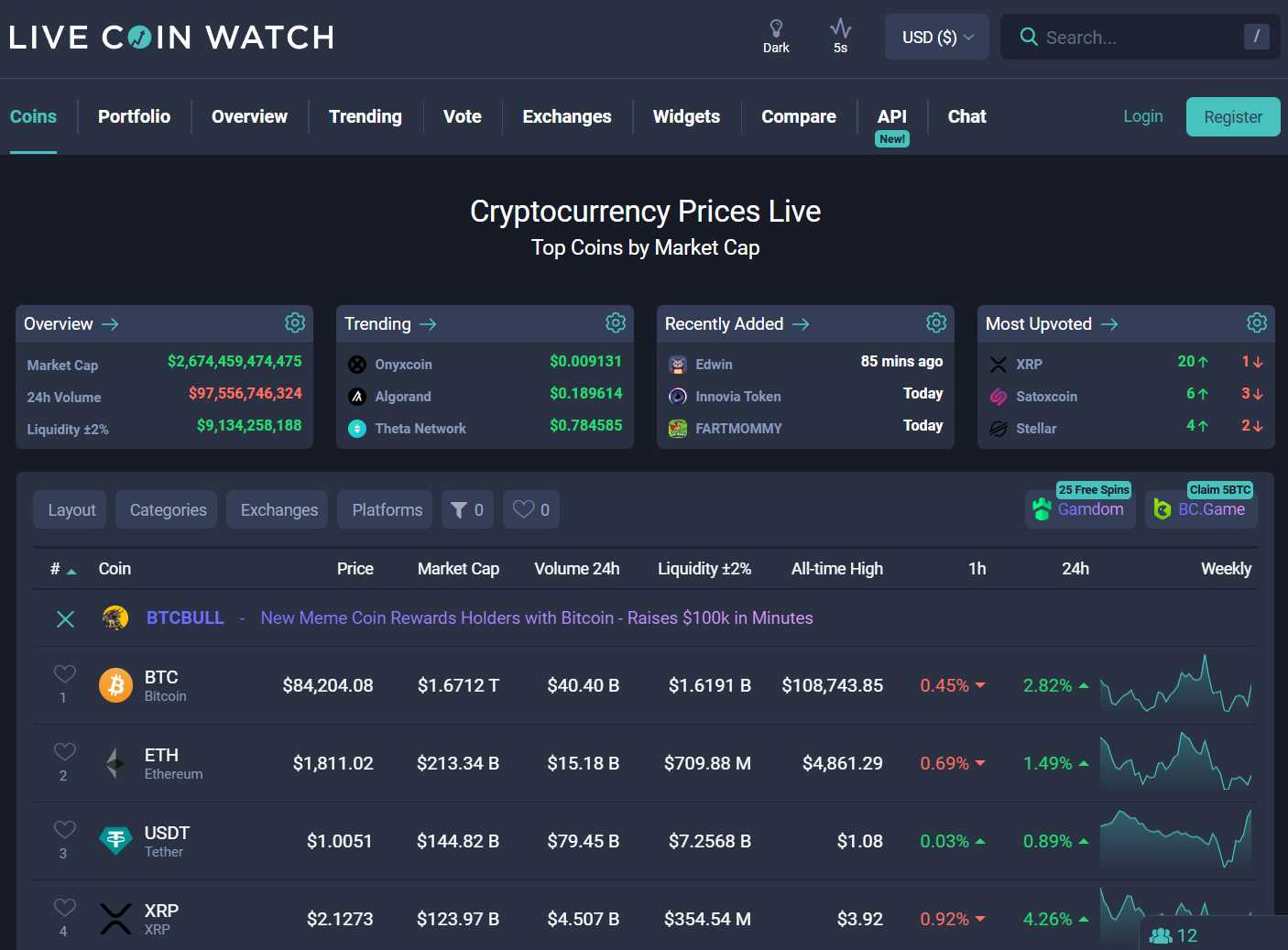
vs LiveCoinWatch / CoinCodex – LiveCoinWatch and CoinCodex give rich lists and web dashboards. BitScreener gives better mobile alerts and a cleaner screener experience for traders who move fast.
AceofCrypto’s Final Verdict on BitScanner
BitScreener is a solid alert and screener app. It finds moves fast, sends crisp notifications, and makes it easy to build shortlists. It is not a substitute for deep research or execution checks. Use it as your market siren, not your oracle. Cross-check, verify liquidity, and treat predictions as guesses. If you want a fast, mobile-first way to spot moves and set alarms, BitScreener belongs in your tab. If you want tokenomic forensic work, use it with deeper tools.
AceOfCrypto out.
Trade when you see it,
But you gotta see it first.
Top 8 Sites like BitScreener.com