






















































 Aceofcrypto
COIN360.com Site Review
COIN360
COIN360 – The Heatmap That Hunts the Market
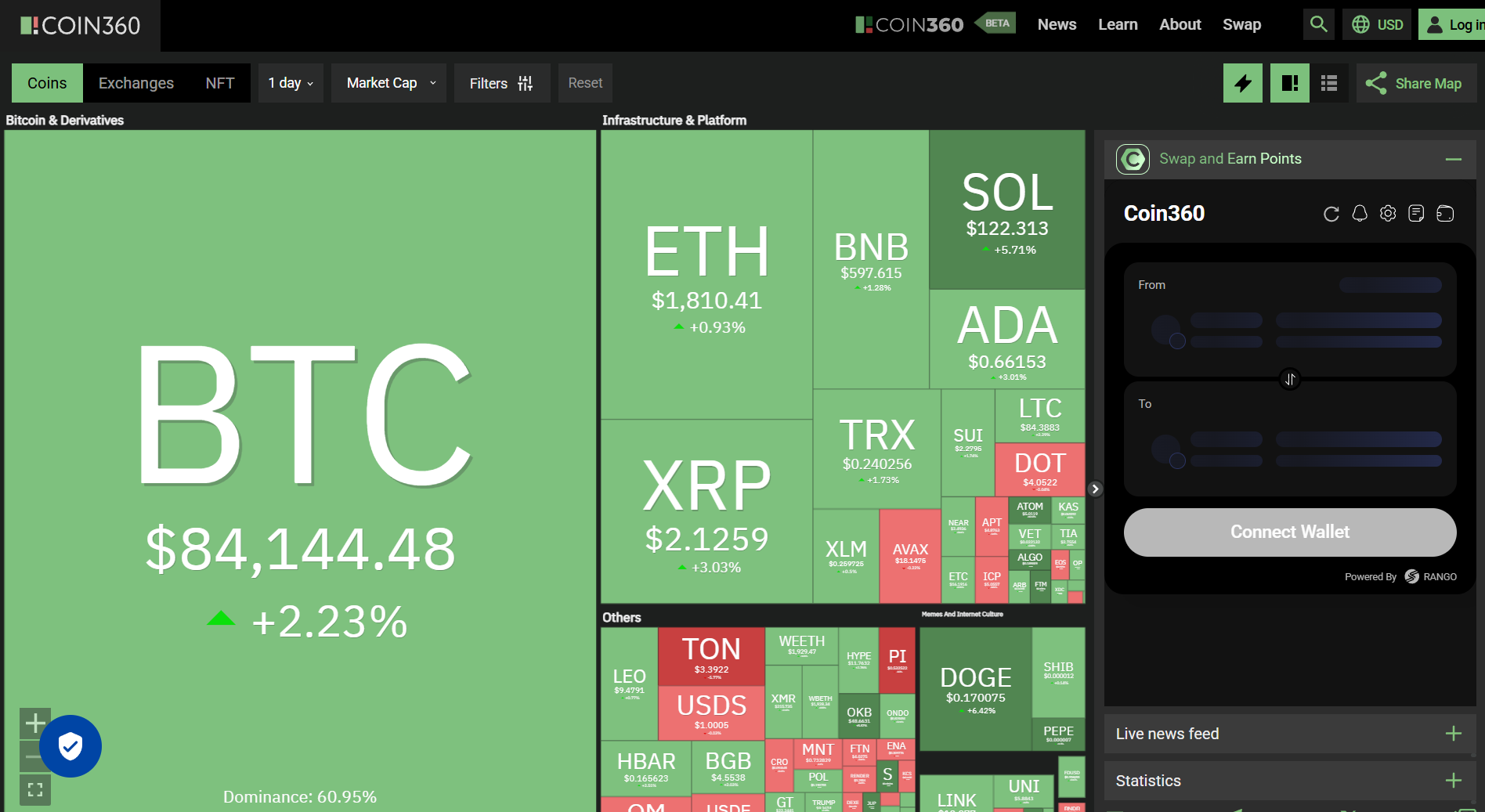
AceOfCrypto here again, bringing you the info I dug up using COIN360 as a crypto price tracker. You want to see the market like a predator. COIN360 paints the whole field in a single frame with color blocks, size = market cap, color = move. Glance. Decide. Move. No bullshit charts to decode, just naked market heat. The site’s been through a reboot and grabbed corporate backing, so it’s not a garage toy anymore. Looking for more trackers to add to your pre-breakfast reading routine? Here’s all the heads up you’ll need using COIN360. Ace’s gonna tell you all about it, and how to use it like a pro.
What is COIN360?
COIN360 is a crypto market data aggregator famous for its interactive heatmap that visualizes prices, market caps and volume across thousands of coins. It pulls exchange feeds, builds market tables, offers widgets and an API, and publishes news and on-site explainers about how the heatmap works. The platform has been rebuilt and relaunched under Hilbert Group’s ownership and strategic partners to beef up analytics and UX. Use it if you gotta, there’s a lot to do here, just don’t marry it and sink your hard-earned bags.
What the Crypto Community Says About COIN360?
People love the heatmap. Traders, podcasters and newsrooms use the visual to spot sector flows fast. Critics complain about missing microcap depth or occasional stale feeds for obscure tokens. Corporate moves (new ownership, Gate.io partnership) mean the site’s chasing growth and polish, not just pretty boxes. Looks good out there, but wait till you look into it.
Usability & UX With the “Blink-and-you’ll-see” strategy
The UI is visual-first and pretty easy to skim past. Heatmap loads fast, filters sit where your eyes expect them, and widgets embed into sites without tantrums. Desktop is ideal; mobile trims features but keeps the map. If you get distracted easily, this site gives one screen and a decision, just perfect. Traffic and audience are sizable; coin360 claims big monthly viewership and ad reach, numbers remain uncertain.
Data Accuracy & Security – decent pipes, watch the spigots
COIN360 aggregates from many exchanges and shows market caps, volumes and price moves. That works great for majors; for penny alt splashes, feeds can lag or disappear when upstream APIs choke. The company runs methodology notes and a widget/API layer, but it can’t invent liquidity. Trust the heatmap for signal, verify on-chain or on-exchange before you bet real cash. Ownership by Hilbert Group brings corporate process and audits into the picture, that’s a check in the box for stability.
Extra Features on COIN360
Heatmap & Market Table
The heatmap is the headline feature, dynamic blocks, market-cap sizing, customizable filters by sector, chain, and time window. Use it to spot who’s bleeding and who’s pumping in one frame.
Widgets & Embeds
Drop a live heatmap or table on a site or dashboard. Publishers and blogs use these to show market context without building anything. COIN360 sells ad inventory and widget placements.
Exchange & Market Lists
Detailed tables for exchanges, market counts, volumes and top pairs. Handy when you need to eyeball where liquidity sits.
News & Data Stories
On-site crypto news and analyses tied to market moves, not a full newsroom, but enough to color the heatmap’s narrative. They covered big events like exchange hacks and DeFi exploits. Still behind on deep market intel, so you’ll have to use the big players once a while.
API & Developer Tools
Public API endpoints and coin pages for devs. Use it for dashboards, widgets, or quick feed tests, but stress-test before automating heavy flows.
Pros of Using COIN360’s Price Tracker
- Heatmap delivers instant visual market intelligence.
- Fast embedding and widget options for publishers.
- Wide coin coverage and exchange tables for quick liquidity checks.
- Backed and relaunched by Hilbert Group with upgrades planned.
Cons of Using COIN360 as a Price Tracker
- Microcap data can be spotty; don’t assume every tile is tradable.
- Mobile view trims features, desktop is the real stage.
- Widgets and embeds are great, but they’re also a one-way mirror, click through before you trade.
Risks of Relying Only on COIN360
You won’t see winners crawling around just one price tracker. Stick to COIN360 for it all, and this is what you’ll risk.
Signal vs Execution
Tiles show movement. They don’t show orderbook depth. You’ll see a pump, click buy, and find there’s no liquidity. Verify on-exchange first.
Upstream API Failure Modes
If an exchange API flaps, a tile goes mute or lies until the feed fixes. COIN360 can only report what it gets. Cross-check during volatile windows.
Narrative Bias via News Feed
Their news pieces frame parts of the map. That nudges focus. Good for context, bad if you let it pick trades for you. Read the headlines, then read the orderbook.
Rookie Mistakes Most Degens Make on COIN360
Sure, go ahead and use price trackers, but don’t end up making these embarrassing mistakes when using COIN360.
- Treating a big red tile as a sell signal without checking liquidity.
- Trading directly from widgets embedded on blogs.
- Missing token delist notices because you stayed on the heatmap.
- Letting the “pretty map” replace real due diligence.
- Using mobile-only view for execution during madness.
Ace’s Tips on Using COIN360 Like a Pro
- Use the heatmap to build a shortlist, not to execute trades.
- Filter by exchange count and market volume before sizing any entry.
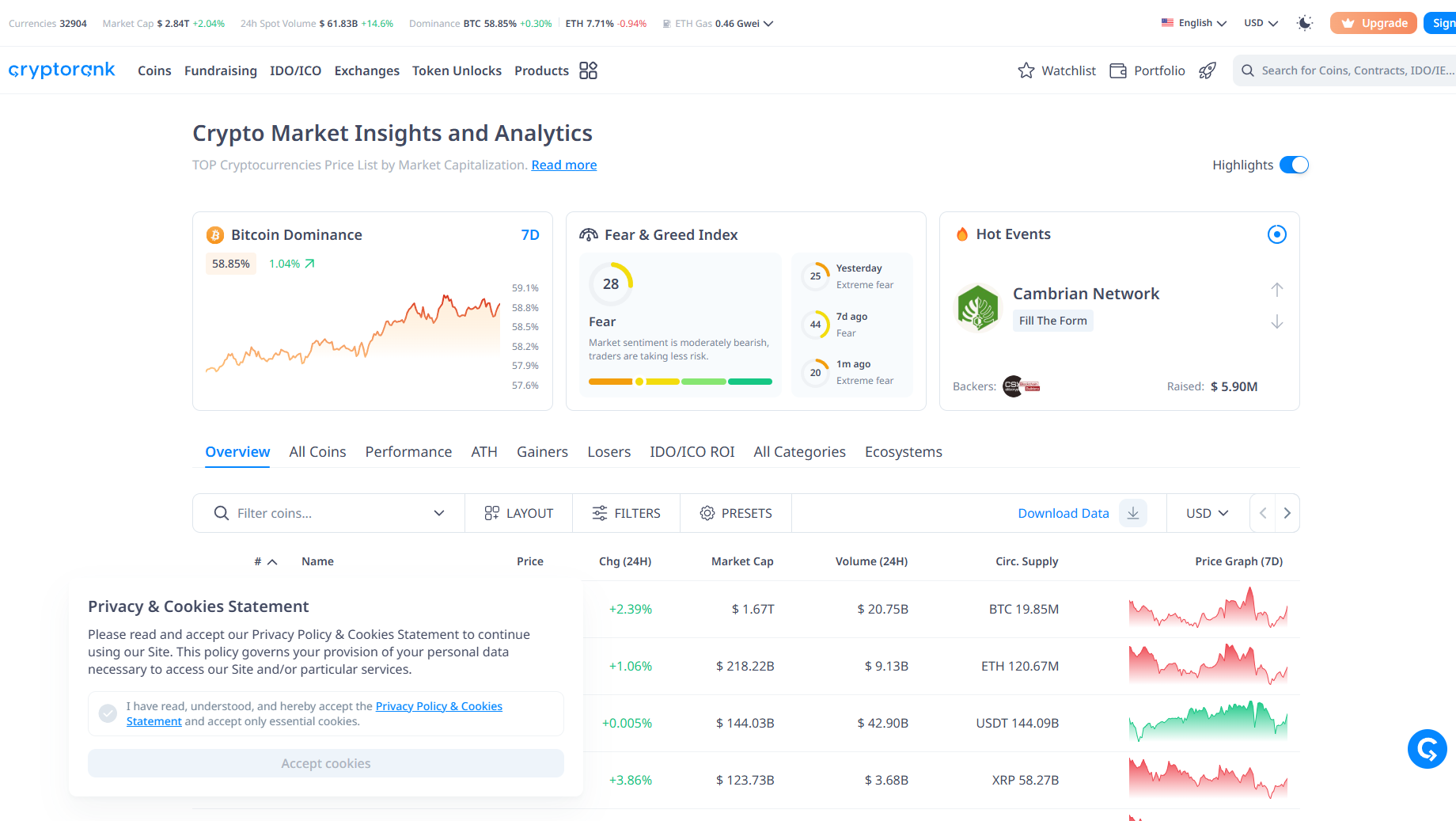
- Combine COIN360 with a deeper tracker (CoinGecko, CryptoRank) and an on-chain explorer.
- Embed the widget on your dashboard, but always click through to the coin page for depth.
- Keep a desktop tab open during volatile sessions, mobile lags, desktop doesn’t.
How COIN360 Stacks Up vs the Big Ones
- vs CoinGecko – COIN360 wins at visual heat and instant sector flow; CoinGecko wins at token metadata, DeFi/NFT depth and APIs.
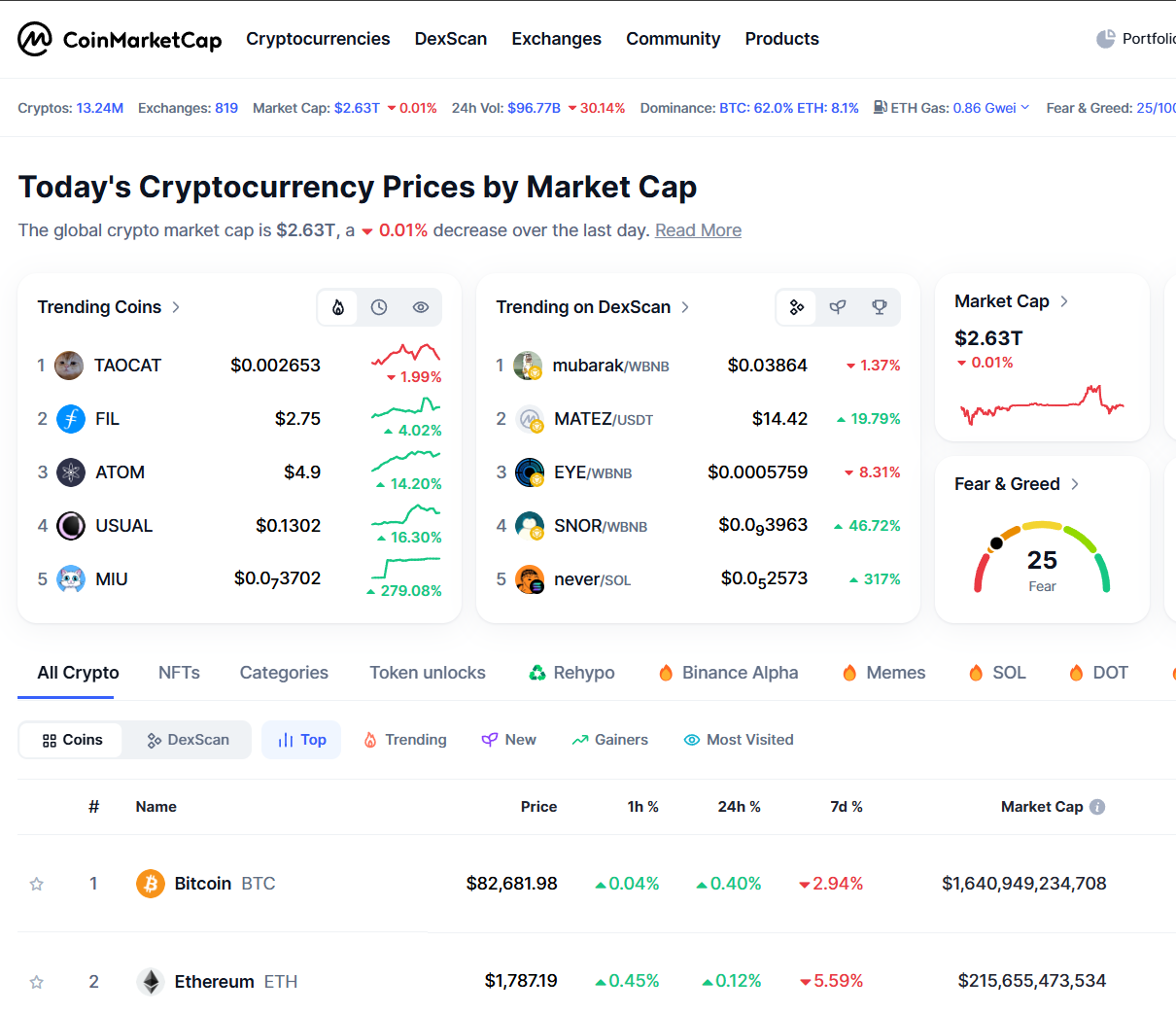
- vs CoinMarketCap – CMC wins on exhaustive listings and exchange rank muscle; COIN360 wins on instant visual signal and embed convenience.
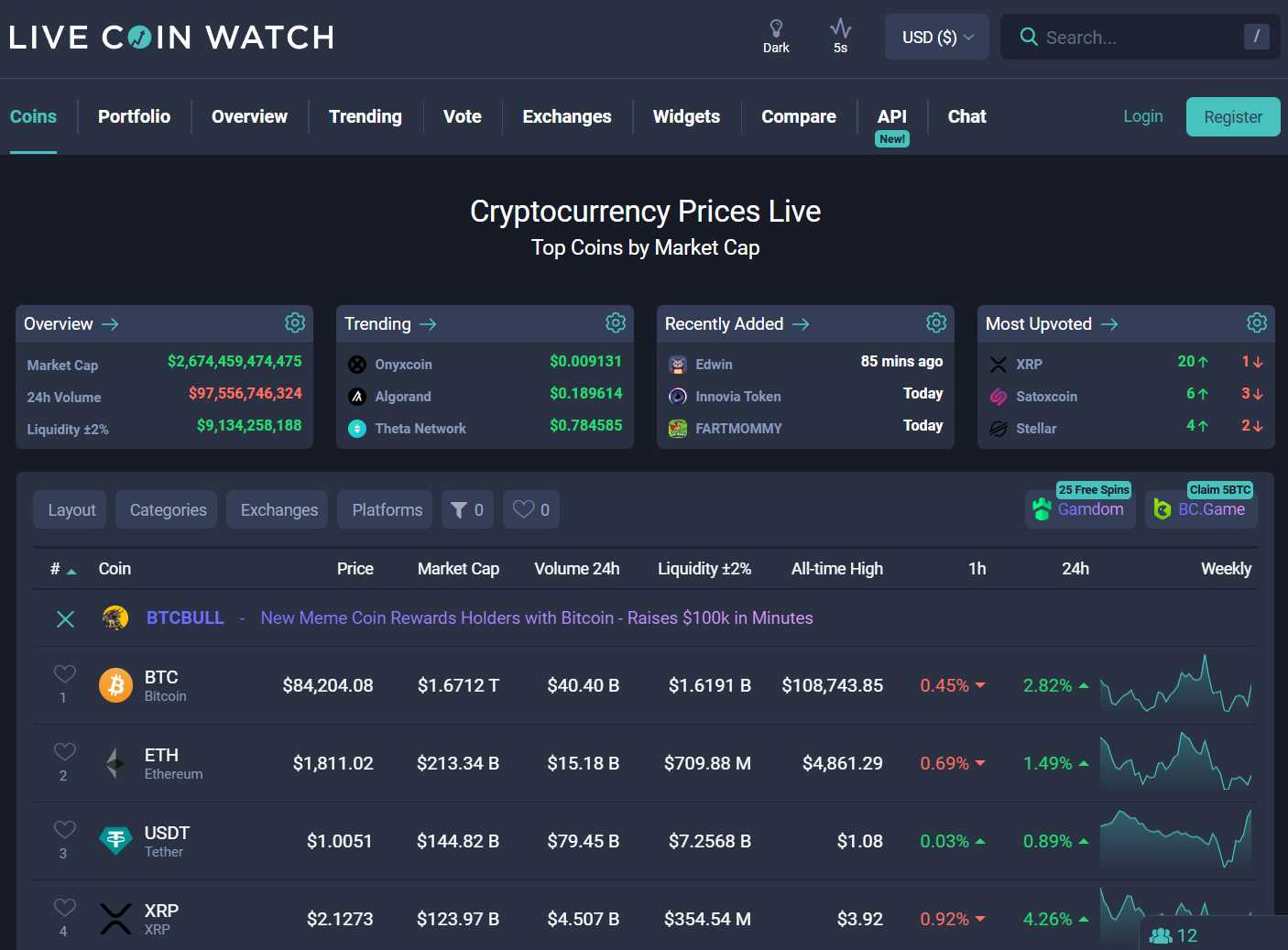
- vs LiveCoinWatch/CoinCodex – LiveCoinWatch and CoinCodex give more granular lists and API bells; COIN360 gives the cleanest single-screen view for directional reads.
Ace’s Overall Vibe for COIN360
COIN360 is your market sniffer. It shows what’s hot and what’s dying with one look. Use it to spot opportunities and narrative shifts. Don’t use it to execute without confirmation. It’s fast, pretty, and now corporate-backed, exactly the kind of tool you want in your tab when the market craps itself at 3 a.m. or moon-walks at noon. Cross-check, click through, and act like you know what liquidity means.
AceOfCrypto out.
Use it as your market radar,
then go dig where it points.
Top 8 Sites like COIN360.com