

















































 Aceofcrypto
CoinCheckup.com Site Review

CoinCheckup
CoinCheckup is The Tracker with Big Claims and Some Rough Edges
CoinCheckup Let’s You Walk the Walk
I’m AceOfCrypto, been through my fair share of trackers, some flashy, some shady, some basic. CoinCheckup is one of the “solid but not perfect” picks. Founded around 2017 in Hong Kong with team names like David Cernuta, Valentin Bora and Jeroen Erne. It claims to span 40,000+ coins on 400+ exchanges, offering live crypto prices, alerts, history, prediction models (yes I’ll roast that part) and mobile apps. Good for traders who want more than a glance but less than building from scratch. The question is if it’s gonna help you spot moons or win big, depending on your focus and their speed. Read this, use it smart, don’t fall into the hype trap.
What is CoinCheckup?
CoinCheckup is a crypto market data aggregator that’s been around since 2017, built to give users real-time market data, portfolio management, and price predictions all under one roof. It tracks over 40,000 cryptocurrencies across 400+ exchanges, pulling price, volume, and cap data every few seconds. The platform was founded by a small team (David Cernuta, Valentin Bora, Jeroen Erne) and has since become a mid-tier staple among independent traders who want a wide-net scanner without paying subscription fees. It also adds extra tools like historical charts, forecasts, watchlists, alerts, and a portfolio tab, which makes it more functional than just a ticker board. Its data sources include major exchanges like Binance, Kraken, and Coinbase, giving it decent coverage even when the market goes nuts. But while it tries to mix analytics and accessibility, it isn’t fully transparent about ownership or methodology, which keeps pros like me watching for inconsistencies. Still, for a tracker that doubles as a research sandbox, CoinCheckup gives you more playground than most in its league. Use it right, Like Ace, and maybe you can add it to your stack.
What the Crypto Community Says About CoinCheckup
On one hand, users and devs like its breadth that “tracks tons of coins, good for obscure ones” type of comments. On the other hand, some complaints about glitchy app behaviour, prediction accuracy taking a hit, micro-coin data being inconsistent. For example, the Google Play reviews mention crashes when adding coins to portfolios. Tools and features are there, but the whole experience is uneven. Safe to say, it ain’t contending with the big players. CoinCheckup does it’s part quietly, and expects you to follow.
Usability & UX Looks Good, Works Okay
On the desktop, you log in, see a big list of live coins, sort ‘em by price, volume, gainers. The interface is busy but not chaotic. On mobile, you get alerts, widgets, portfolio tracking. App rating around 4.3 stars with 10,000+ ratings, don’t rely on that alone. Watchlists, alerts, and portfolio functions are present. But I found that when you chase a tiny coin that just got added, the data sometimes lags. If you’re ADHD or scanning fast, the UI won’t slow you down, but your brain needs to stay sharper than the tracker.
Data Accuracy & Trust Has Good Foundation, Some Gaps
CoinCheckup gives real-time prices, market cap, historical charts, and even prediction tables. For example, its predictions page lists 5-day, 1-month, 1-year forecasts for major coins. But community criticism shows they’re far from perfect. On Scamadviser the site has a “somewhat low trust score” because of ownership masking and some user complaints. So, reliable enough for general use, but don’t treat every number as gospel. Especially for small coins.
Extra Features (What You’ll Actually Use)
Live Price Database & Charts
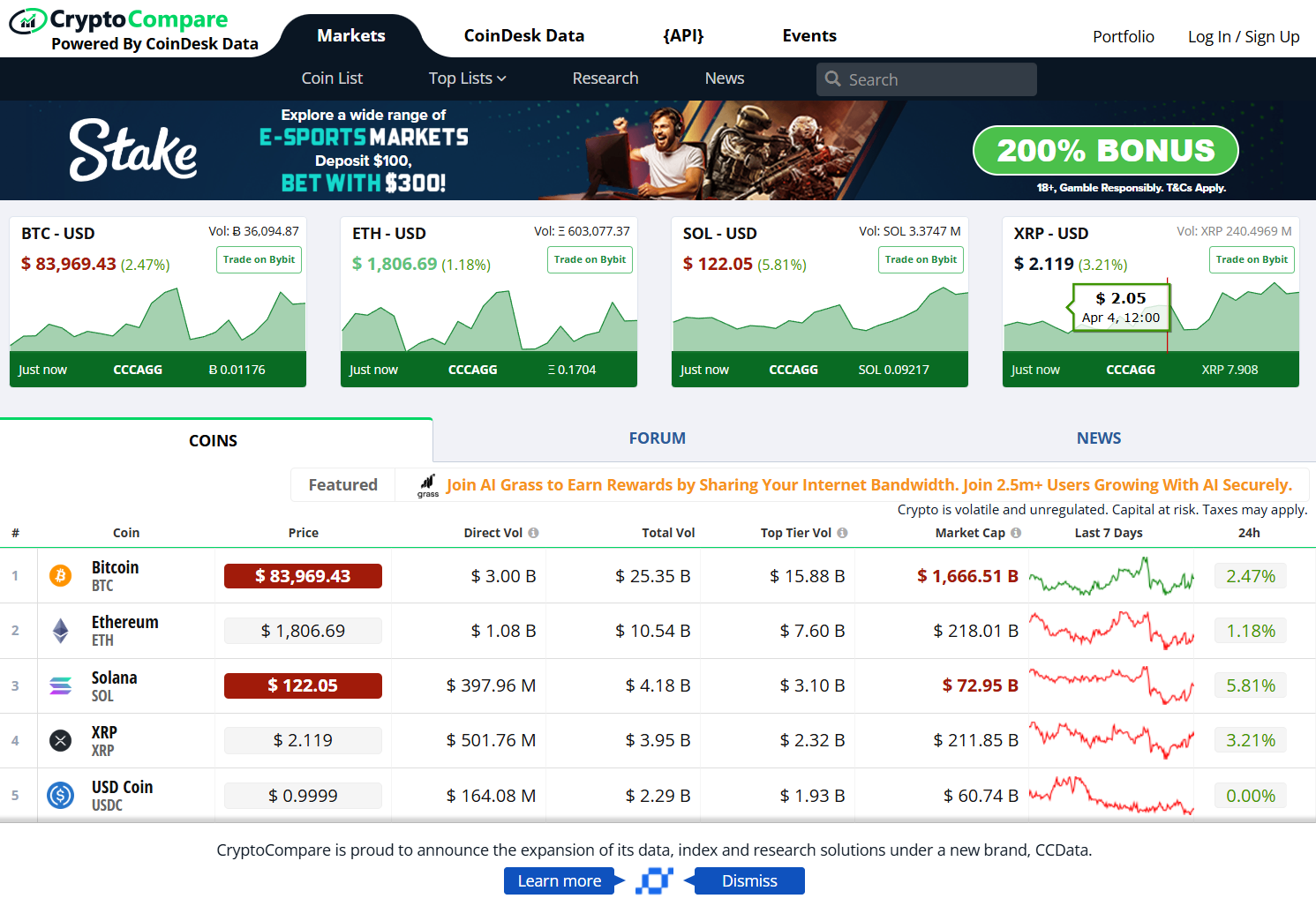
CoinCheckup tracks tens of thousands of coins and shows live price tables, volume, market cap. Example from the site, which says “Track over 40,000 cryptocurrencies in real-time.”
Predictions & Forecasts
They offer crypto price forecast models with multiple time horizons. Useful for context, but as I always say, don’t build your life around them.
Portfolio & Alerts
You can add your coin holdings, see P&L, set price alerts, use mobile notifications. Handy, simple and minimalist at best.
Watchlists & New Coins Feed
Spot new listings, track trending coins, use filters. Good for early screening. Bad if you’re hitting on big fortune.
Mobile App & Widgets
The app works for tracking on the go, with widgets, alerts, and watchlists integrated. Quick little options for quick tracking, but it has its quirks and perks.
Pros of Using CoinCheckup’s Tracker
- Huge coin universe and exchange coverage.
- Live price tracking + historical data present.
- Prediction tools add extra layer (for better or worse).
- Mobile and desktop coverage; alerts & portfolio functions exist.
Cons of Using CoinCheckup As a Tracker
- Prediction accuracy is not always on point, treat with scepticism.
- Microcap coin data and new listings sometimes lag.
- UX and performance in app have reported bugs.
- Trust/ownership transparency has room for improvement.
Risks of Relying Only on CoinCheckup
First up, no one does that, even if you’re having dreams of marrying it for its simple UX. Using it as a standalone comes with its set of drawbacks.
Forecast Overconfidence
See those forecast tables, think they’re guarantees. They’re not. The market laughs at predictions.
Data Gaps in Long-Tail Coins
Very obscure tokens may have missing or delayed data, if you trade them, you’ll get bopped.
Going All-In on One Source
Using only one tracker = blind spots. Cross-check before big plays.
Treating Trend/Prediction as Execution Signal
Tracker shows a “predicted rise” and you buy heavy. Then you wake up to red. Big risk.
Rookie Mistakes I See on CoinCheckup
Ever seen pros screw up and rant about it? Well, everyone goes through epiphanies. Don’t make these mistakes on CoinCheckup, unless you want the Ls.
- Buying based solely on a “prediction” chart without checking real liquidity or fundamentals.
- Tracking 500 coins in portfolio and expecting clarity. Your strategy collapses under noise.
- Assuming “tracked coin = tradable coin.” Just because it’s listed doesn’t mean volume’s there.
- Relying on mobile app performance during market chaos, apps often freeze when you least want it, and especially during market bumps.
Ace’s Tips on Using CoinCheckup Like a Pro
Sure, I’ve used it, and still do, it’s a part of my stack. Use it like this, and you’ll never risk losing your bags, almost.
- Use its live price + history functions as reference, not decision trigger.
- Use prediction tools for hypothesis generation only, then validate with fundamentals and on-chain.
- Build a short list of top coins you follow; don’t try to catch every bird flying by.
- Set alerts for key events, but pair them with manual verification (volume spike, new exchange listing).
- Treat the app as a monitoring tool, not your execution platform. Execution always needs deeper checks.
How CoinCheckup Stacks Up vs Other Trackers
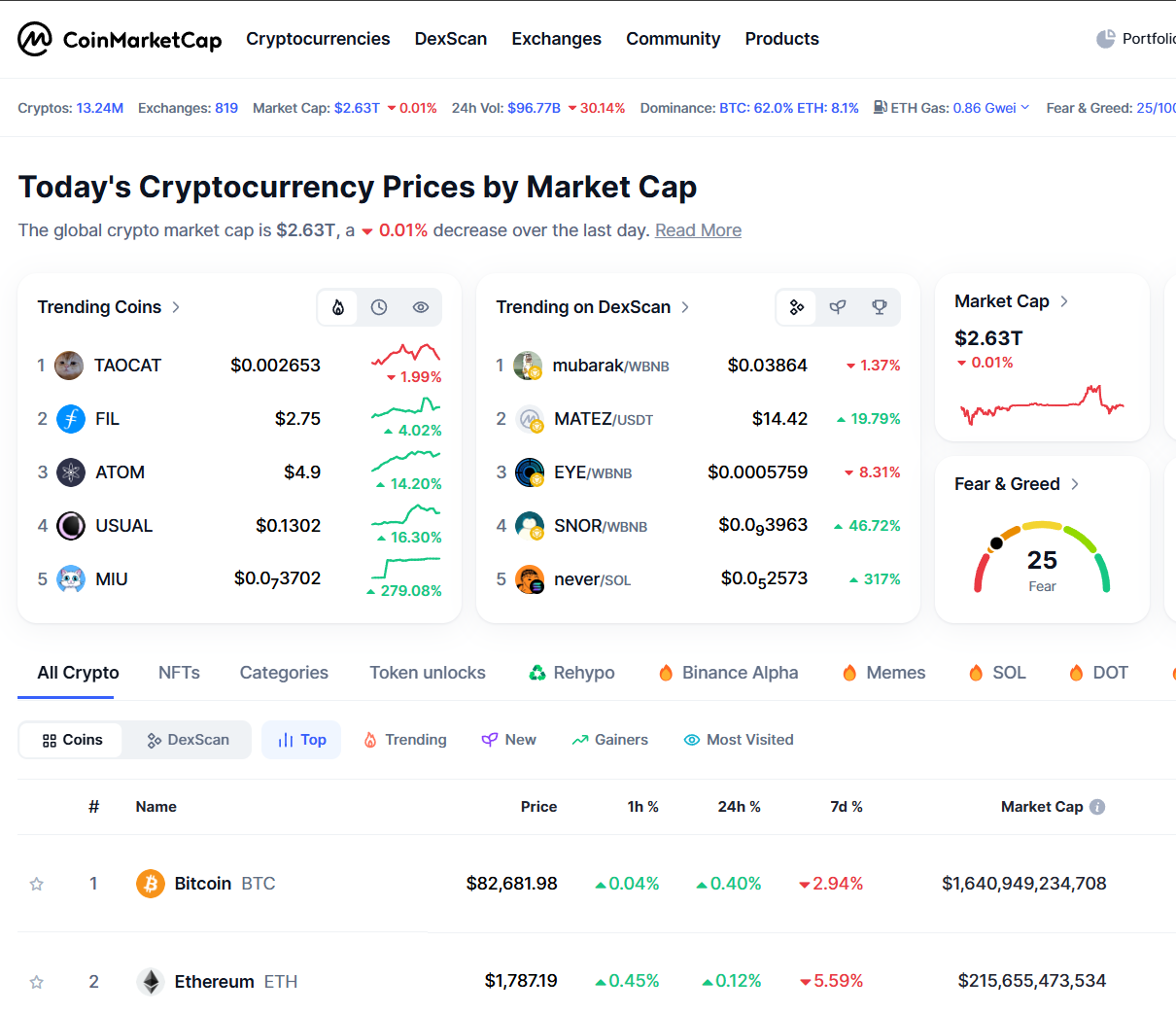
- vs CoinGecko: Gecko has stronger community signals, dev metrics and tokenomics; Checkup has broader coin count and good alerts.
- vs CoinMarketCap: CMC has deeper brand penetration, more exchange integrations, more eyeballs; Checkup is leaner and gives prediction tools.
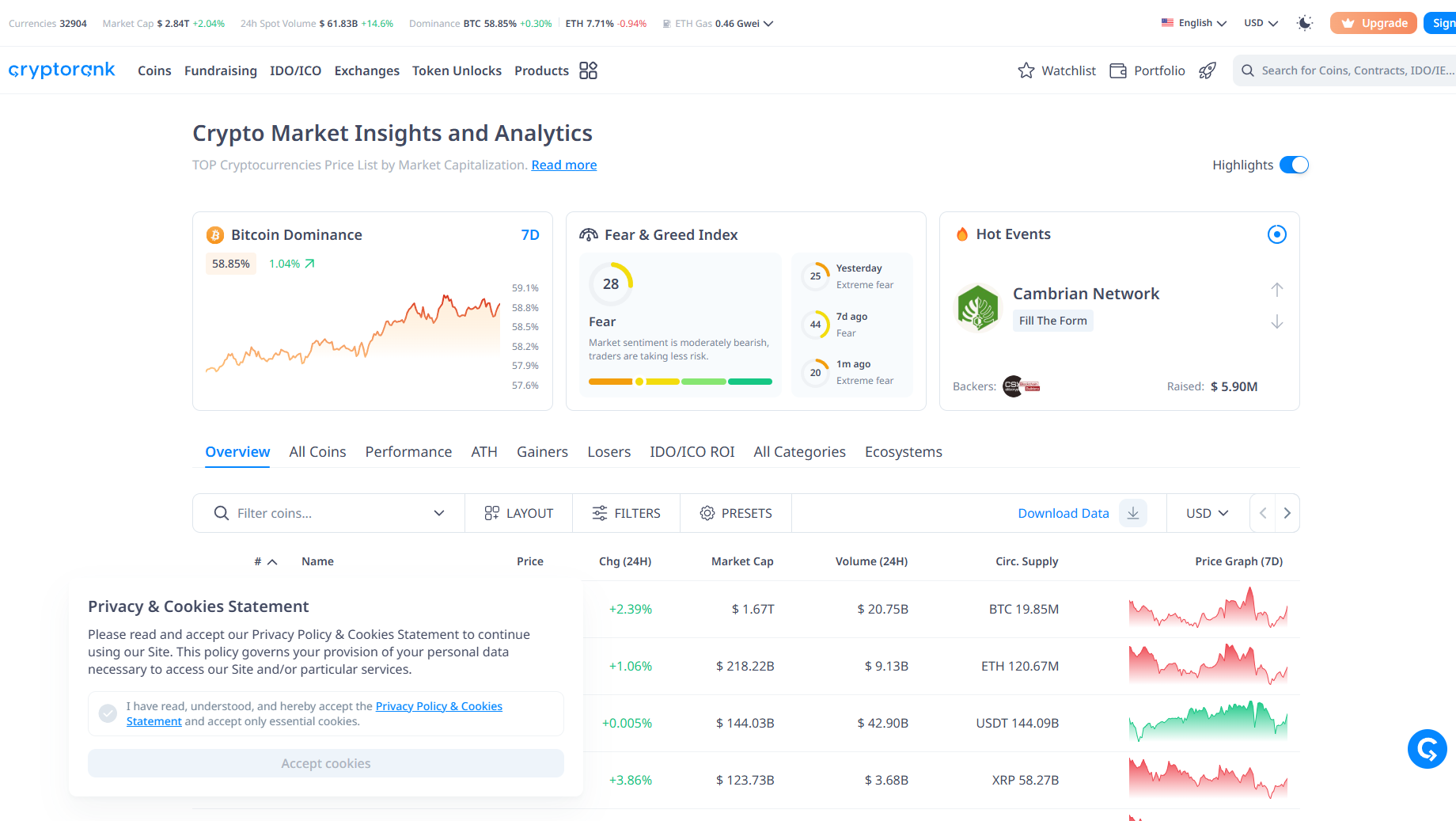
- vs CryptoRank: CryptoRank dives into unlocks, token flows, research depth; Checkup focuses more on tracking, alerts, predictions, breadth.
Ace’s Final Word on CoinCheckup As a Tracker
CoinCheckup is a solid piece of your crypto toolbelt. It doesn’t shine brightest in any single category, but it covers a lot of ground. If you use it as your base tracker, feed your dashboard, manage alerts and keep one eye on predictions, and use other tools for execution and research, you’ll be ahead of most traders. If you pit your faith in it like a gospel, you’ll get caught when the market pivots unexpectedly. That’s all you need to know about CoinCheckup. If you’re feelin’ it, go right ahead, master it, and add it to your stack.
AceOfCrypto out.
Use simple tools smart.
Trade smarter on the Big Ones.
Top 8 Sites like CoinCheckup.com