
















































 Aceofcrypto
CoinCap.io Site Review
CoinCap.io
CoinCap.io Wakes You Up When Coins Move
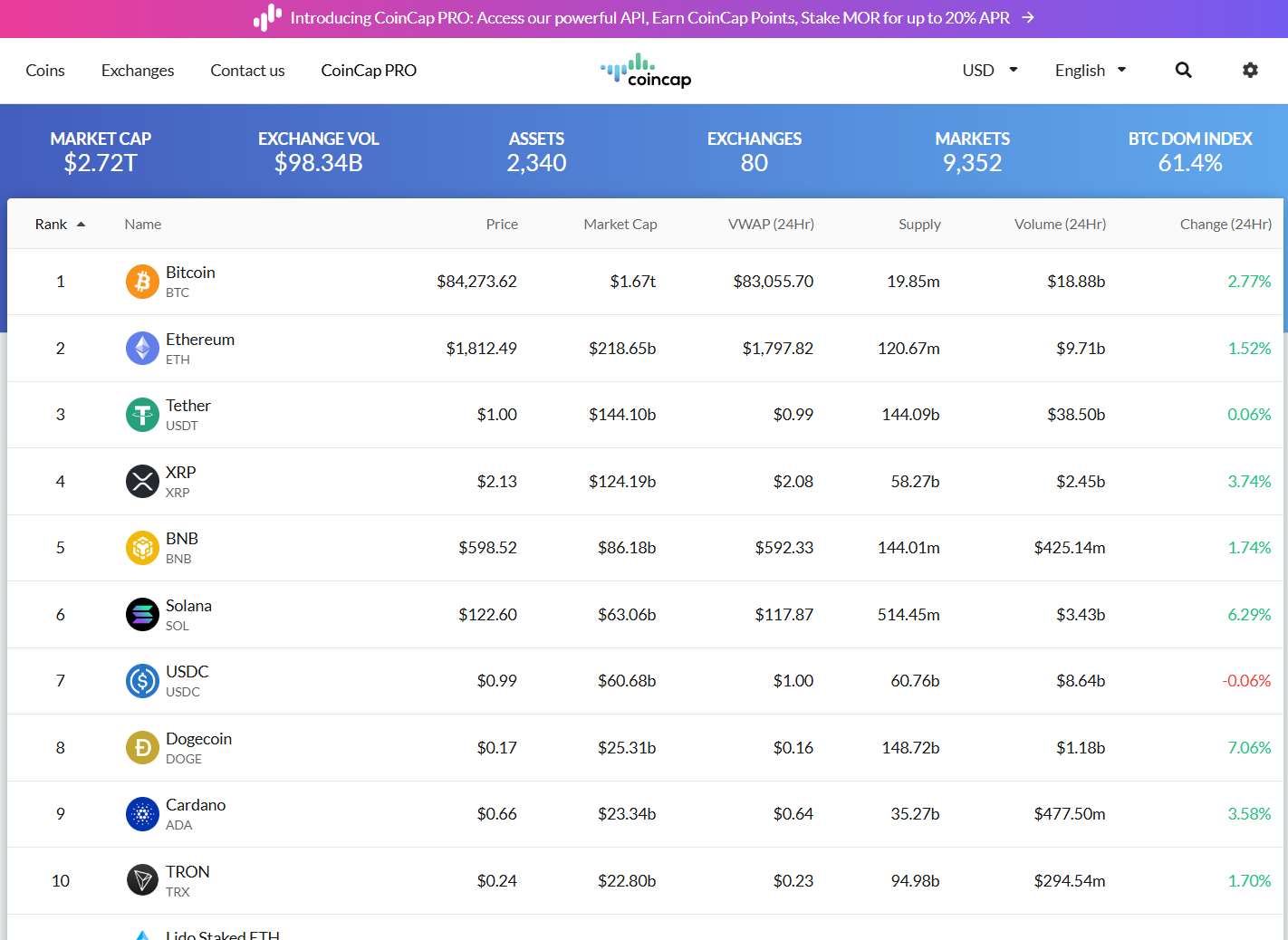
I’m AceOfCrypto. I poked around CoinCap.io so you don’t get blindsided by missing tools or bogus data. This platform shows live price feeds, market caps, altfolio tracking, and even direct wallet/DEX swap options. Wanna keep your finger on the market’s pulse, this can work. But don’t pretend it’s your full research lab. I’ll walk you through where it hits hard, where it cracks, and how you should use it so you and/or your bags don’t get burned.
What is CoinCap.io?
CoinCap.io emerged as a real-time market-data platform built by ShapeShift AG, offering live crypto prices, altfolio tracking and alerts. The service aggregates data from dozens of exchanges and markets to compute global coin prices via their public methodology. They also provide a free/paid tier API (CoinCap PRO) for developers. Their methodology explains how they aggregate price = Σ(price×volume)/Σ(volume) across contributing markets, with outlier detection and aged-data filtering. On top of that, CoinCap’s mobile app boasts 4.7 on iOS with 41k+ ratings. CoinCap.io is built for speed, simplicity and live market scanning, ideal for traders on the go or devs building feeds. But like all trackers, this one will hit a snag if you pull too hard.
What the Crypto Community Says About CoinCap.io?
Feedback swings both ways. Users love the live feed and altfolio features (“Altfolio” = their portfolio tracker), calling the UI clean and quick. On the flip side, complaints about alert lag, occasional UI bugs, and microcap coin data that gets dusty. Reviews mention when the app comes back from sleep things freeze. In short, it’s reliable for mainstream coins and portfolios. Less reliable if you’re buying a token the moment it’s listed or you require heavy analytics.
CoinCap’s Usability & UX
CoinCap.io nails quick access. The mobile UI lets you view live prices, market caps, volume, add assets to Altfolios, set alerts, and track your holdings. The sort and filter options let you scan gainers/losers or sort by volume. App store users say the design works great when markets are calm.
But when things heat up, the platform glitches with issues like the usual lag, occasional crashes with older phones, missing detailed analytics tools like tokenomics breakdowns or unlock charts. The desktop version delivers more features but still simpler than full-blown research platforms.
If you’re scanning, alerting and tracking your bag, it works. If you’re doing deep token research or execution on the fly, get backup.
Data Accuracy & Security With Adequate Pipes (Know the Limits)
CoinCap’s methodology page explains how they pull trade data from exchanges, weight by volume, detect outliers (e.g., ignore price >10% off global price) and timestamp checks for aged data.
That builds trust. For major coins the feed is reliable. For microcaps or low-volume markets, it’s considerably internet explorer, with inconsistent volume or delays. The app reviews underline this. One user rants: “All prices suddenly added about 25%” after changing timezones. Security wise, feed only. You don’t custody coins via CoinCap (unless you use integrated swap), so your wallet security remains your responsibility. Always treat these second-wave trackers as display devices, not execution guarantees.
Extra Features on CoinCap.io
Altfolios & Watchlists
You can create and track multiple portfolios (“Altfolios”), add custom transactions, view live value updates. Good for your own holdings.
Alerts & Push Notifications
Set price thresholds, volume spikes, major moves. Handy for catching market swings.
API & Developer Access
Free tier plus paid PRO. Developers can pull price feeds, histories, exchange lists.
Exchange & Market Data
View which exchanges trade a pair, see market rank, liquidity indicators via CoinCap Rank (which weights market cap, trading volume, availability).
Embedded Widgets & Charts
For websites or dashboards you can embed live quotes, ticker tapes from CoinCap. Useful if you publish.
Pros of using CoinCap.io as a Tracker
- Real-time pricing and market data across many coins and exchanges.
- Altfolio and watchlist features built-in for tracking your holdings.
- Clean mobile interface suited for scanning and alerts.
- Public API available for integration, with transparent methodology.
Cons
- Microcap and low-volume token data can be delayed or less accurate.
- Analytics depth is limited: tokenomics, unlocks, vesting schedules are not strong.
- Mobile app reports of glitches during heavy market moves.
- Data accuracy depends on upstream exchange feeds which CoinCap cannot guarantee.
Risks of Relying Only on CoinCap.io
Ace’s taken no hits, but I know a few who married it, and had to pay alimony through their bung. Here’s why you don’t use it standalone.
Signal ≠ Execution
Just because the price feed updates doesn’t mean you can execute at that price; liquidity may differ.
Feed Breakdowns
If an exchange API fails or volume drops, CoinCap may show stale data or skip updates, misleading you.
Shallow Analysis
Using only CoinCap’s data for decisions ignores token metrics, unlock schedules, and dev activity. You’ll miss hidden bombs or traps.
Single Source Trap
If you rely purely on CoinCap, you risk missing insights from other platforms, because every tracker has blind spots.
Rookie Mistakes I See on CoinCap
Trackers have their limitations, CoinCap’s no different. Here are the few mistakes people made on CoinCap and lived to regret it. Don’t be that guy.
- Buying coins the moment an alert fires in CoinCap without checking exchange liquidity or pair depth.
- Dumping dozens of micro-tokens into your Altfolio and assuming CoinCap will track all flawlessly.
- Confusing token listing on CoinCap with tradability, just because it shows a coin doesn’t mean you can buy it easily.
- Trusting price alerts alone and not verifying via exchange or second tracker when market tanks.
Ace’s Tips on Using CoinCap.io Like a Pro
If you’re gonna use CoinCap, here are the few know-hows that’ll make it worth.
- Use CoinCap for fast scans, live portfolio value, and alerts. Then cross-check with another tracker like CoinGecko or CryptoRank before heavy entries.
- Set your Altfolios neat. Fewer coins, better oversight, don’t track 100 random tokens unless you accept chaos.
- Use the API for custom dashboards, but cache results and monitor feed latency, plan for failure when the market freaks out.
- When an alert fires, pause. Open the exchange orderbook or another tracker, confirm volume, then act.
- Keep both mobile and desktop open during important sessions. Mobile alerts are great; execution usually still requires deeper view.
How CoinCap.io Stacks Up vs the Big Ones
vs CoinGecko – CoinGecko delivers in-depth token metadata, DeFi/NFT coverage and stronger community metrics. CoinCap wins on live price feed speed and ease of use for tracking holdings.
vs CoinMarketCap (CMC) – CMC has giant listings, heavy brand, lots of partnerships. CoinCap is quicker, cleaner for tracking, less marketing noise.
vs CryptoRank – CryptoRank dives into unlock schedules, investor flows, analytics. CoinCap gives better portfolio tracking and alert infrastructure for everyday traders.
Ace’s Vibe on CoinCap.io
CoinCap.io is a strong utility tool in your crypto toolbox. If you want real-time prices, simple portfolio tracking, and alerts that push you when things move, it has your back. But it’s not a one-stop research engine. For deep analysis, token metrics and liquidity verification you’ll need other tools. Use CoinCap to track and respond, not to decide and freeze.
AceOfCrypto out.
Cross-check, you’ll spot moons,
Trade blind, and you get rugpulled.
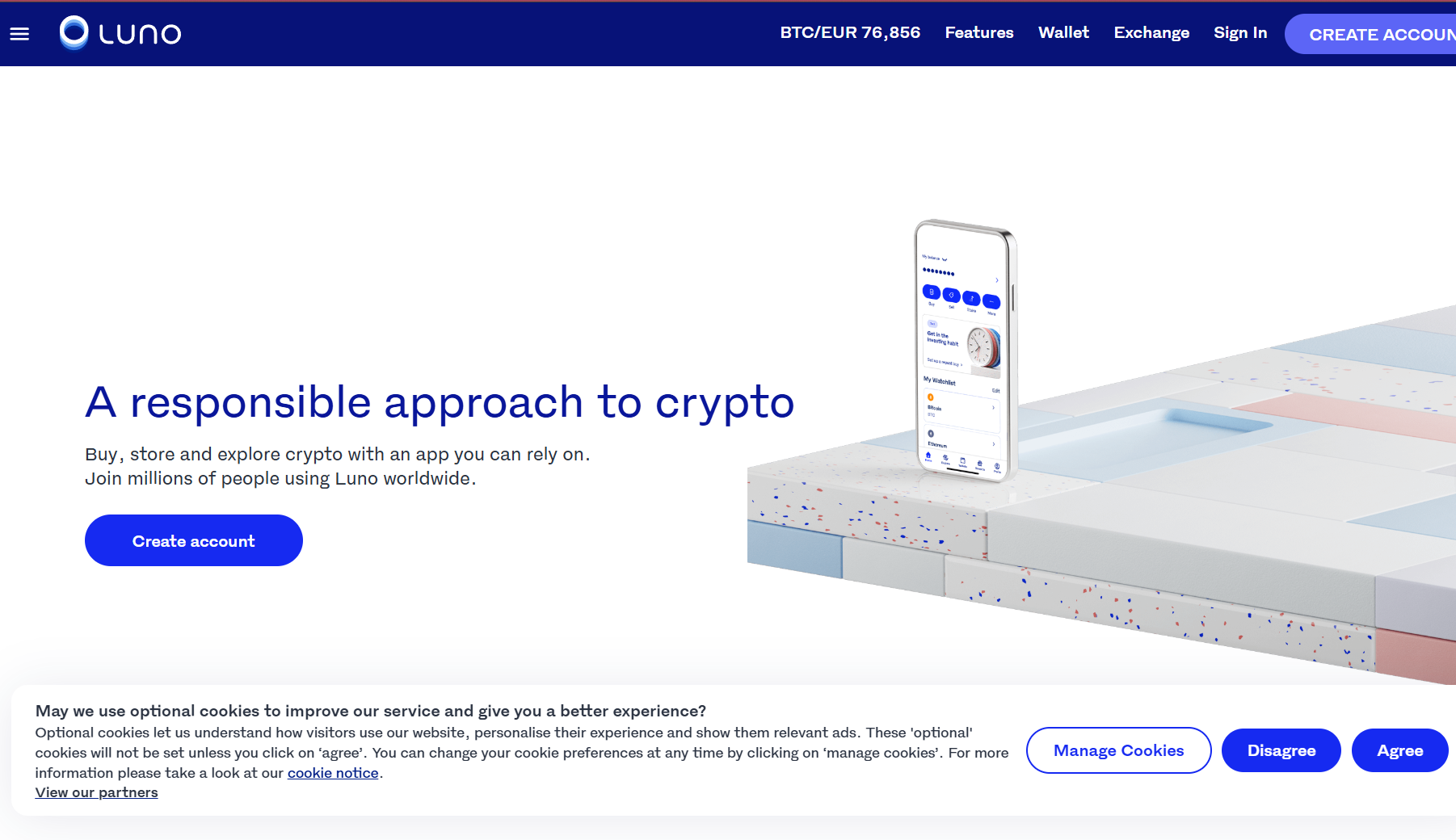
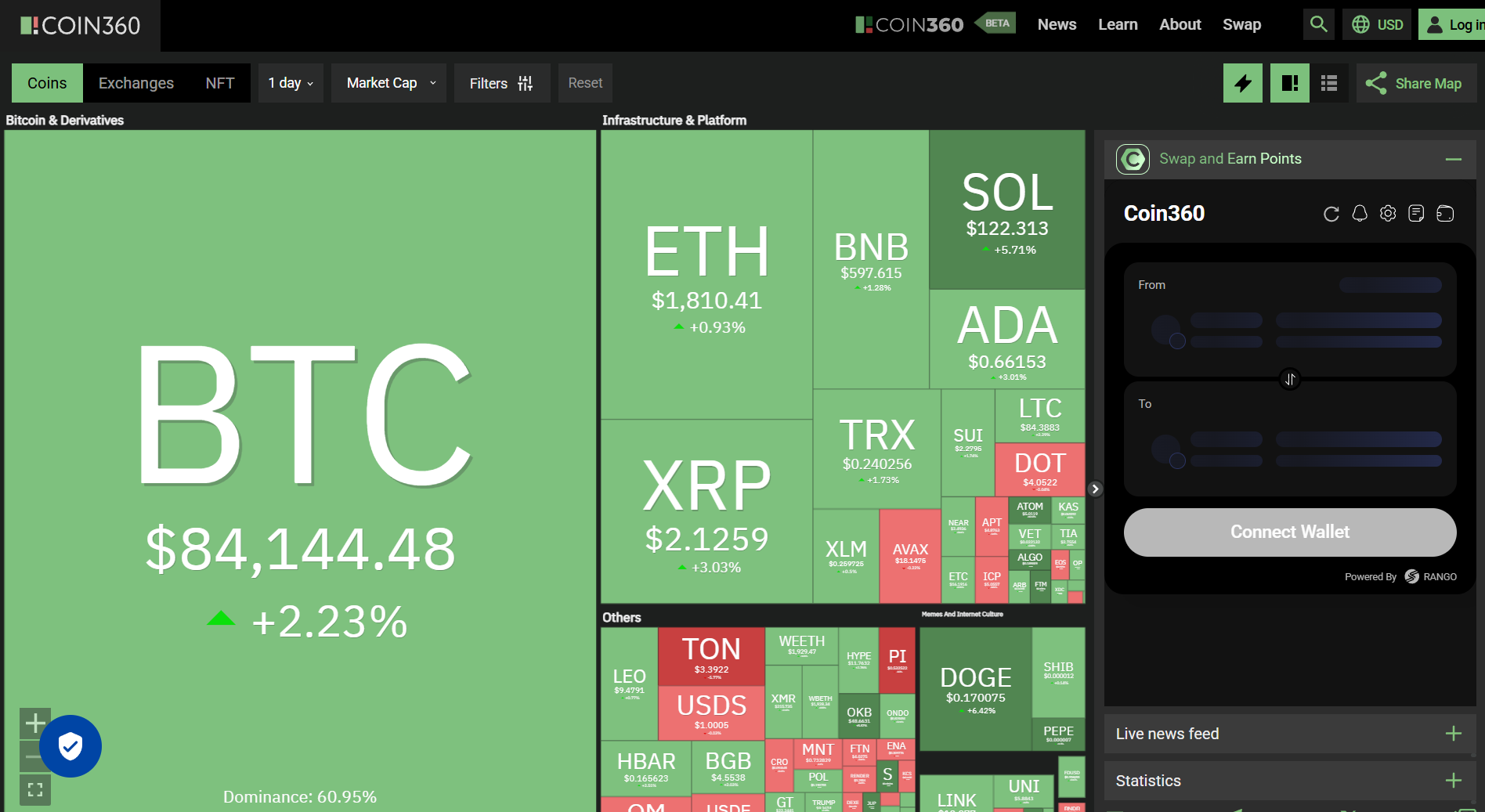
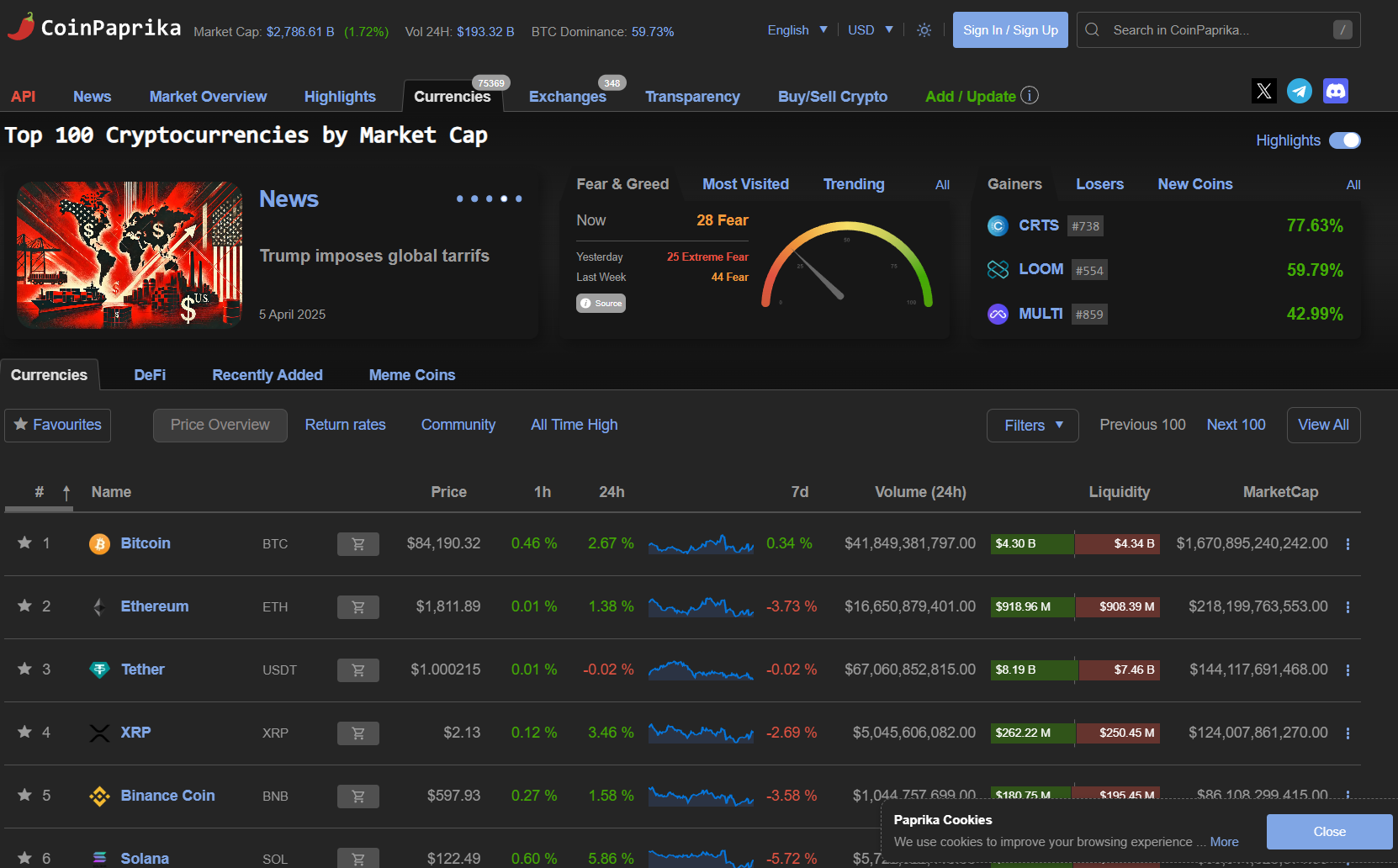
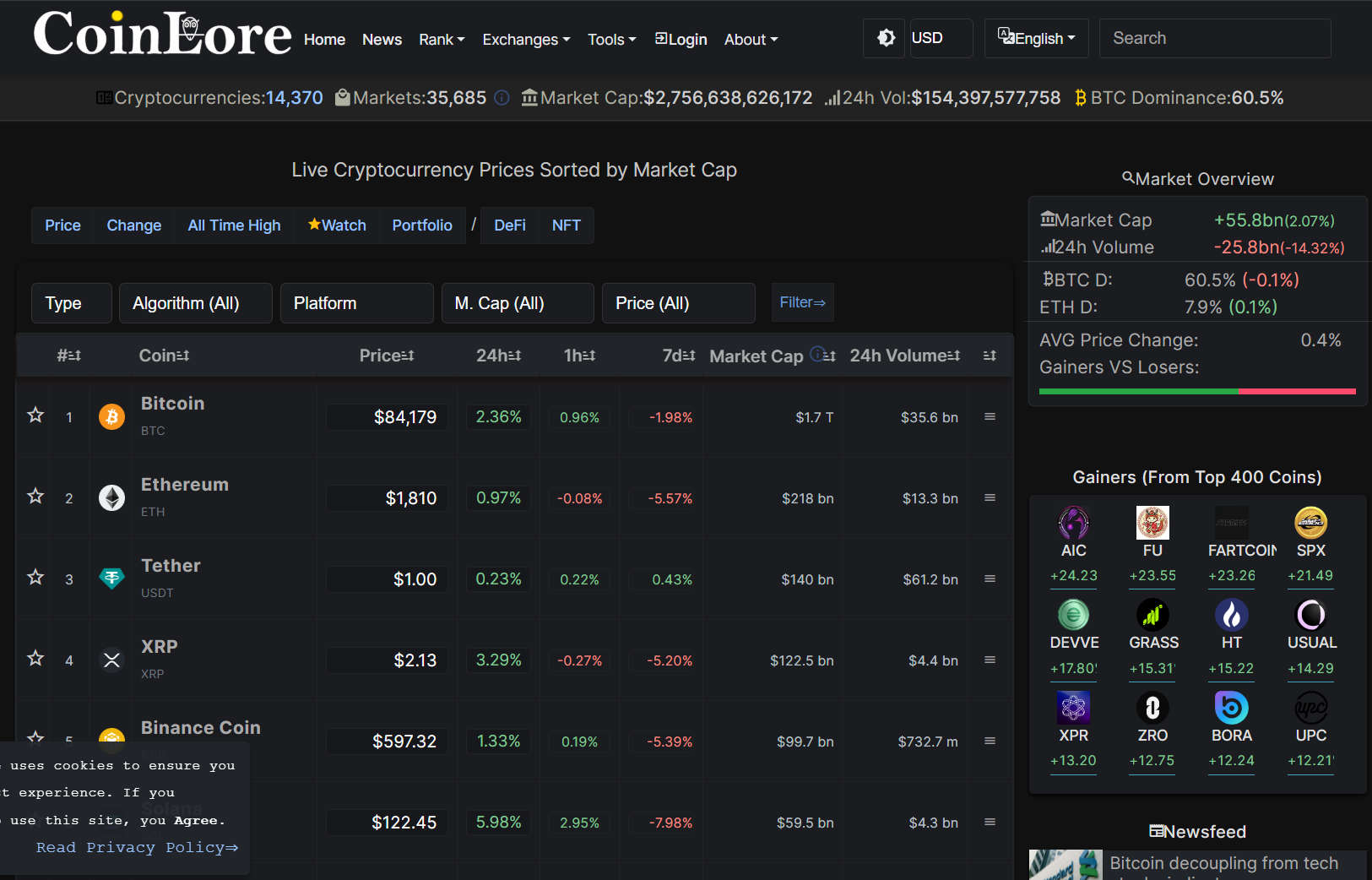
Top 8 Sites like CoinCap.io