




















































 Aceofcrypto
Coinlib.io Site Review
Coinlib
CoinLib is The Tracker That Doesn’t Stop Blinking
I’m AceOfCrypto. I jumped into CoinLib so you don’t walk blind into bugs or blindspots. This one ain’t on most people’s lists, but don’t miss out on it. CoinLib tracks live prices, volume, coin listings, provides an API and lets you build your own dashboards. You could use it as your go-to tracker, but only if you know its limits. I’ll show you what it handles, where it cracks, and how to use it like the professional degenerate you are. Learn to use the extra features too, and get the edge, just don’t end up marrying it, not much to see here.
What is CoinLib?
CoinLib is a market-data platform built around live crypto pricing, historic charts, portfolio monitoring, and developer APIs. According to their documentation and external directories, it covers thousands of coins and hundreds of markets. It offers widgets for live embedding on websites. Their API documentation shows rate limits (e.g., 120 requests/hour for global stats). While they don’t broadcast massive user-base numbers publicly, they support multiple languages and market-wide data. It’s a good all-rounder for traders who track lots of assets, but it’s not marketed as institutional-grade.
What the Crypto Community Says About CoinLib?
Community sentiment on CoinLib is flat. “It works okay” is the kind phrase you’ll mostly see. Devs like using the API for dashboards, but not too many. Users on Reddit complained about price inaccuracies and stale data for certain coins.
For example one user on reddit wrote:
“Used CoinLib for years and all of a sudden it’s broken for days.”
Tells you a lot on how users view it.
Analysts flagged that CoinLib includes data from lesser-regulated exchanges which might inflate volume metrics.
So, the tool is respected, but viewed with caution for edge cases. Which is the case with any tracker.
Usability & UX With Fast Scanner Mode
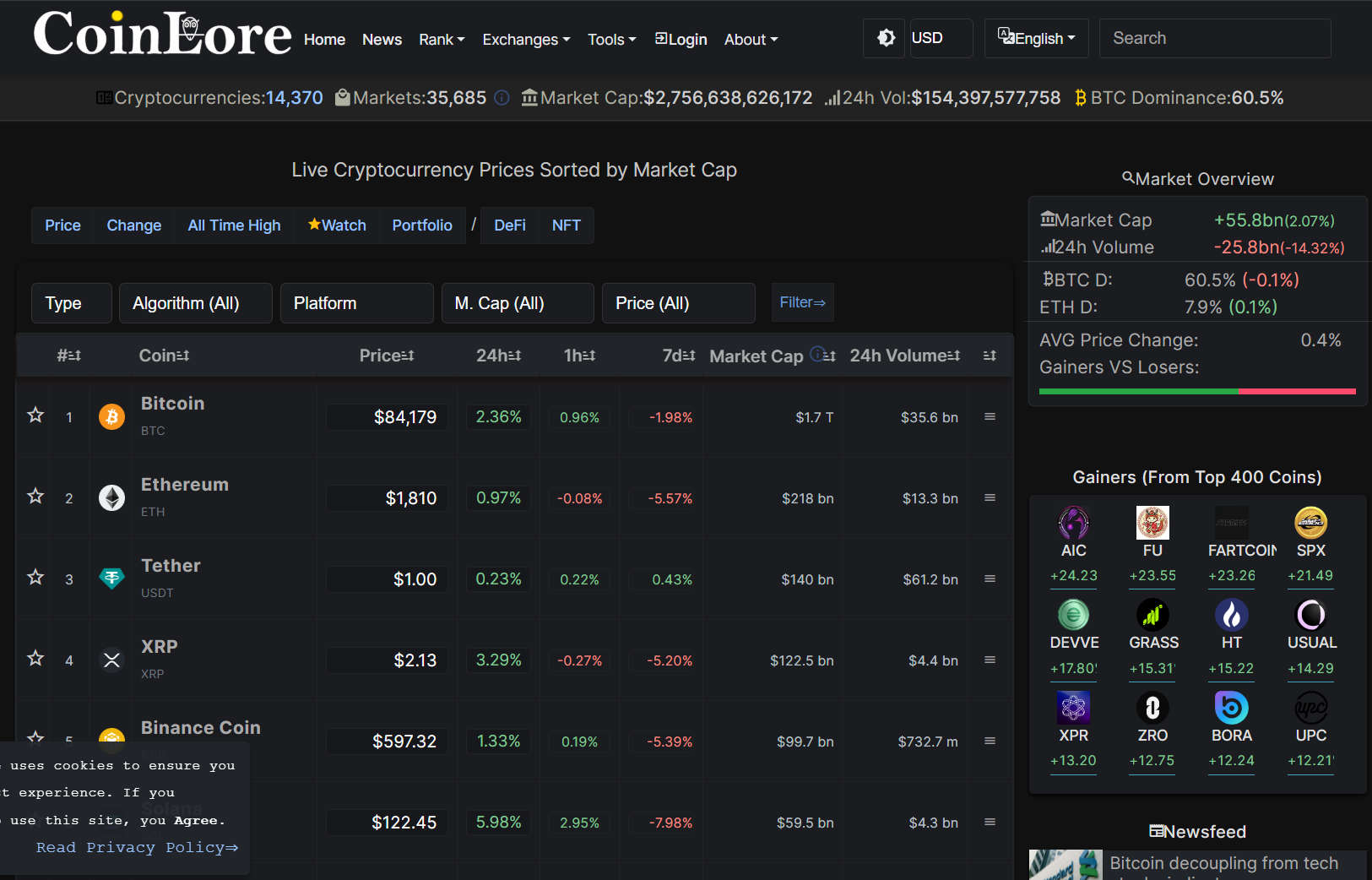
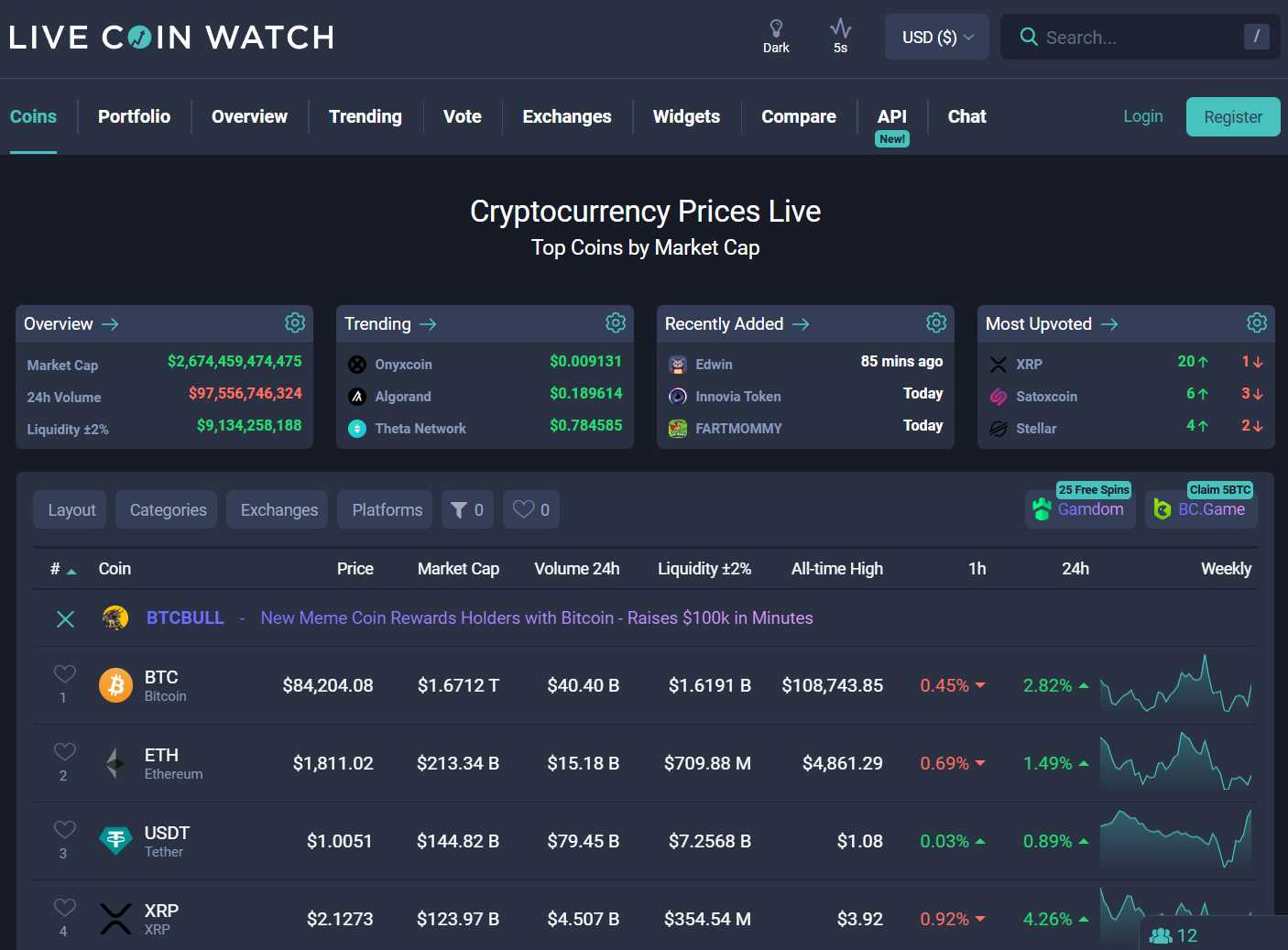
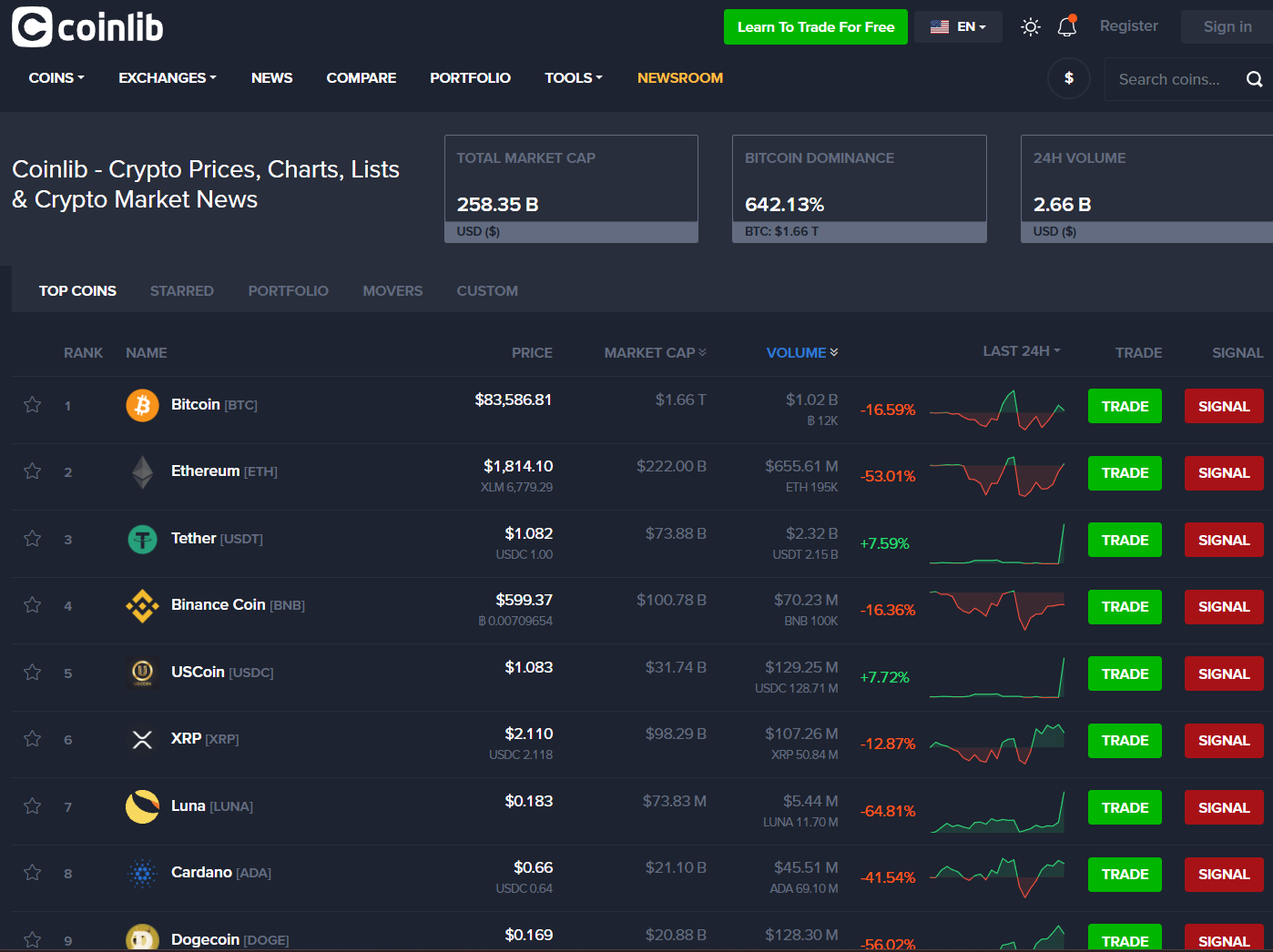
CoinLib’s interface is clean: list of coins, ability to set alerts, portfolio tab, chart views. It’s mobile and desktop friendly. External reviews note the UI is intuitive while pointing out performance issues and ad clutter.
If you want to open the app, check your bag value, set an alert and get out, CoinLib handles all that just fine. If you need deep tokenomics or high-frequency scanning for 100 micro-tokens? You’ll stretch it.
Data Accuracy & Security
CoinLib offers public API access, which is a plus. But the data source mix includes some exchanges with weak transparency. Medium article by an industry data pro said using CoinLib’s data for liquidity conclusions was “indefensible.”
The API is limited (free tier rate limits). So, for major coins and general tracking you’re okay. For serious execution, you’ll want cross-verification with the bigger players out there.
Extra Features on CoinLib
Live Price Widgets & Embeds
You can embed live tickers and price tables on any site in multiple fiat currencies. (Supports many currencies)
Portfolio Tracking & Watchlists
Track your holdings across coins, view total returns, create alerts on assets.
API Access
Free API to pull coin lists, historic data, global stats. Useful for dashboards or coding your own tool.
Multi-Exchange Price Comparison & Liquidity Insights
Ability to see which markets trade which coins and compare price movements across exchanges.
Pros of Using CoinLib’s Price Tracker
- Good coverage of coins + markets with live features.
- Widgets and API available to integrate into your own tools.
- Clean UI for basic tracking and alerts.
- Free tier suffices for many casual to semi-serious users.
Cons of Using CoinLib’s Price Tracking
- Data from certain exchanges may lack credibility, especially for microcaps.
- API limits and pagination make large-scale automation harder.
- Some user complaints of stale or incorrect price listings.
- Fewer advanced analytics (unlock schedules, flow metrics) than top-tier tools.
Risks of Relying Only on CoinLib
Ace says keep a stack. Use CoinLib as a standalone, you’ll get burned, and your bags will rot in crypto hell. Here’s why you should always opt for a second opinion when using CoinLib.
Illusion of Liquidity
You see a coin shooting up on CoinLib, but if it’s trading on sketchy exchanges you might not be able to enter/exit at those prices.
Feed Stalls
Aggregator delays or missing data can mislead you during a pump or dump. Even the big ones fail sometimes.
Limited Depth
Using only CoinLib for your trades means you’re blind to token unlocks, developer activity, social sentiment.
Overconfidence
Trusting one tracker means you’re missing the rest of the field. Read all the angles, or donate your bag.
Rookie Mistakes I See on CoinLib
Degens get burned for their mistakes, and using a mid-tier tracker like CoinLib is bound to have bigger risks involved. Here are the mistakes I see you folks making on CoinLib.
- Buying a micro-token because CoinLib chart looks nice, without checking volume or orderbook.
- Setting alerts and acting immediately without verifying exchange listing or liquidity.
- Using data from CoinLib API as execution price without real-time checks.
- Chasing “alerts” for tons of coins without any plan, portfolio turns into noise.
Ace’s Tips on Using CoinLib Like a Pro
Don’t stick to one, get your stack, that’s the way the game’s played. If you’re using CoinLib, follow these pro dos and your bags will thank you.
- Use CoinLib for your base feed for prices, watchlists, alerts, but pair with a deep tracker (CryptoRank, CoinGecko) for analytics.
- Filter out coins with low exchange count or questionable volume before you follow them.
- Build dashboards using CoinLib’s API to monitor your bag, but always validate before trade.
- Treat widgets as single-look checks; always click through to verify.
- During volatile markets, keep a separate execution view open (exchange orderbook or known tracker) alongside CoinLib.
How CoinLib Stacks Up vs the Big Ones
- vs CoinGecko – CoinGecko gives richer tokenomics, dev data and social metrics. CoinLib gives lighter but faster feeds and API access.
- vs CoinMarketCap – CMC has huge brand, many integrations and depth. CoinLib is lighter, more API-friendly for devs and site embed.
- vs CryptoRank – CryptoRank dives deep: unlocks, flow, analytics. CoinLib covers broad tracking and API widgets for general use.
Ace’s Overall Feel For CoinLib As A Price Tracker
CoinLib is a very serviceable price tracker and monitoring tool. If you want to follow multiple coins, set alerts, embed live tickers, and feed dashboards, it gets the job done. But it’s not the perfect execution engine nor the deepest research station. Use it as your monitoring hub, not your only source. Double-check coins, verify liquidity, and don’t treat the price as your entry signal.
AceOfCrypto out
Think, DYOR, and wait
Act first and get burned.
Top 8 Sites like CoinLib.io